Your columns, your mapping
Map each value read from a sample photo to a column of your workbook, following your own colour legend.
For pole attachment surveys
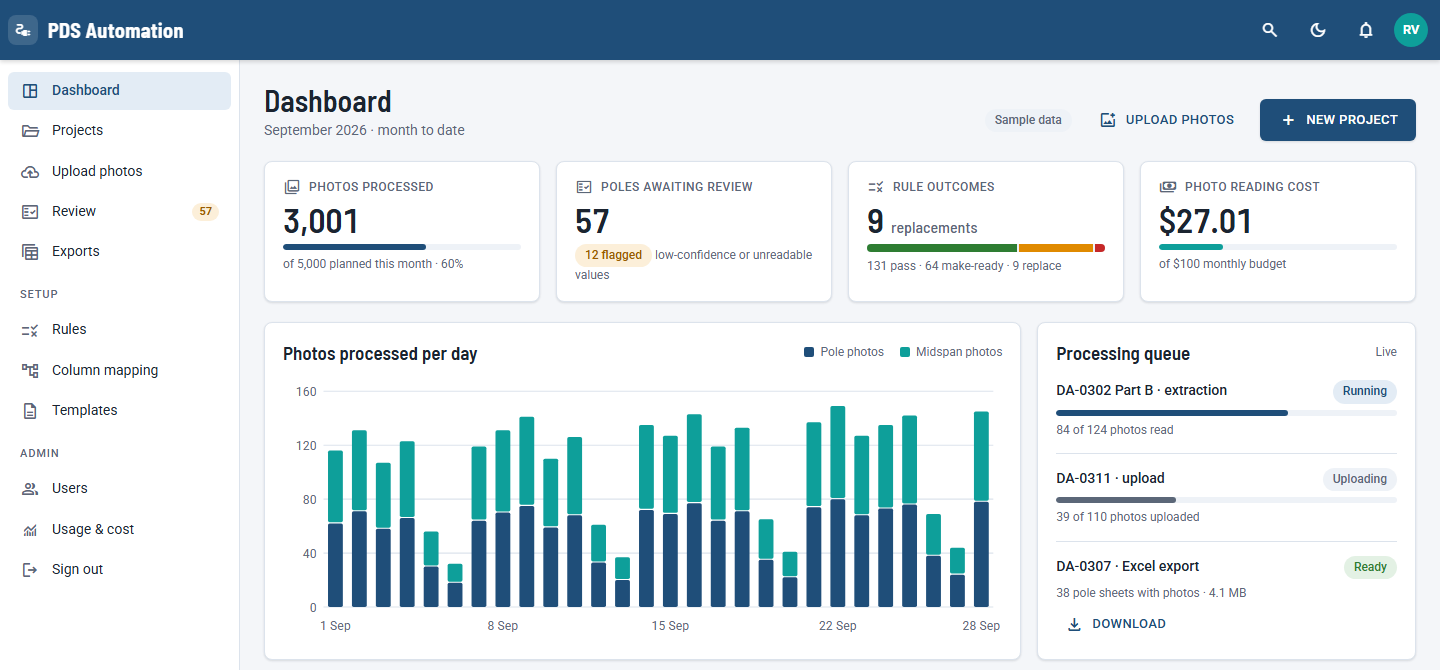
Upload pole and midspan photos. The app reads every height label and info card, your clearance rules run on every pole, and your team approves each one before the Excel is exported.
Add the Span Lengths sheet and the Azmyth pole and midspan photos, in bulk or as a zip.
Each photo is read once. Rules 1–7 work out proposed heights, make-ready and pole replacement.
Uncertain values and rule failures are flagged. Your team approves each pole, then exports the workbook.
Map each value read from a sample photo to a column of your workbook, following your own colour legend.
40″ below the lowest power structure, 12″ between comm cables, a 15′ minimum midspan, and the SPEC height table.
Calculate any column with a formula, a condition or a lookup from another sheet, and see the result as you type.
A reviewer approves every row, with the photo beside it and a log of each calculation.
Sign in with the account your administrator created, then create a project from the client's Excel and link it to a sample photo.